Google Maps Now Has a Message Button: Should Your Indianapolis Business Turn On Chat?
Short answer: Yes, if someone on your team can reply quickly during business hours. Google Maps now puts a Message button right next to Call on business listings, so customers who would rather text than phone can reach you in one tap. If no one will answer those messages, leave chat off until you have a plan, because an unanswered message is a lost lead.
What changed on Google Maps this month?
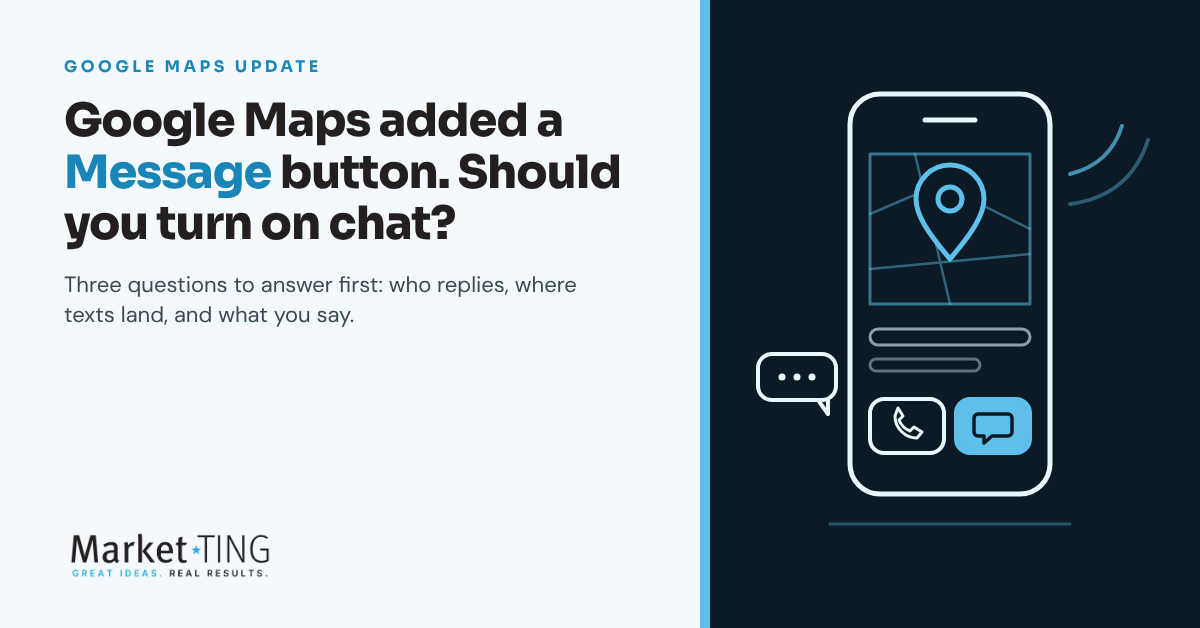
In early November, Google’s Business Profile team said customers using Google Maps on Android and iOS can now find a “prominent Message button right next to Call” on a business listing, as Search Engine Roundtable reported on November 6. The button shows up in the profile view, the expanded header and the bottom action bar. Before this, chat was easy to miss because it sat further down the profile.
Messages go to the channel the business has already linked: a text-capable phone number or WhatsApp. Google says chat is available in select regions and may not appear on every profile, so check your own listing (Google Business Profile Help).
Why does this matter for Indianapolis small businesses?
Think about how people pick a plumber, a caterer or a salon from their phone. They search, tap a listing on Maps and choose the easiest way to reach out. With Message sitting next to Call, a lot of those first contacts may now arrive as texts, including after hours and from people who just don’t like phone calls.
That is good news for owners who are slammed during the day and can’t always pick up. It also raises the bar. A customer who texts three businesses will usually book with whoever answers first.
How do you turn on chat in Google Business Profile?
According to Google’s help page, you need a claimed and verified Business Profile. Then:
- Open your Business Profile and choose Edit profile, then Contact.
- Next to Chat, choose Edit and pick Text message or WhatsApp.
- Enter a phone number that can receive texts, or a WhatsApp click-to-chat link, and save.
One catch: if you add both options, Google shows customers only the text message option. Once it’s live, send a test message from your own phone to make sure it lands where your team will see it, a step the Relevant Audience summary of Google’s November bulletin also recommends before the holiday rush.
Should you turn it on? Ask these three questions first
- Who answers, and when? Name one person (and a backup). Decide your reply window during business hours and what happens after close.
- Where do texts land? A shared business line or texting tool beats an owner’s personal cell that gets buried under family group chats.
- What do you say first? Write three or four quick replies for your most common questions: hours, pricing questions, booking and directions. Keep them friendly and point people to the next step.
If you can answer yes to all three, turn chat on. If not, it’s fine to wait a few weeks while you set it up. Your Call button and website still work.
What else should you check on your profile this week?
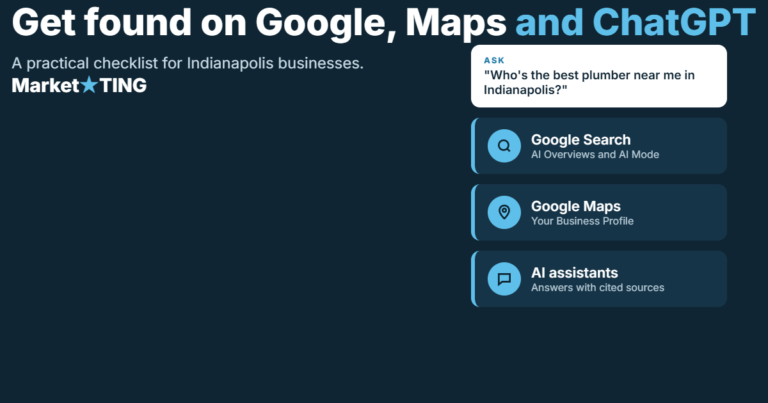
The Message button is one piece of a bigger shift: more customers are choosing businesses from Maps and AI answers without ever reaching your website. Make sure your hours (including holiday hours), services, photos and contact details are current, since Google and AI assistants pull from that information. We cover the bigger picture in Local SEO in the Age of AI Search. And if your profile is sending people to a site that’s hard to use on a phone, read 7 signs your website is costing you leads.
Quick answer: Can I claim my business on ChatGPT the way I claim it on Google?
Often, yes. On November 10, 2026, OpenAI opened a beta Business Hub (chatgpt.com/business-hub) where U.S. businesses can claim a profile, update details like hours and description, and see how often ChatGPT mentions them and how many people click to their website (Search Engine Roundtable). Local stores and restaurants can claim only an existing U.S. listing for now, so if yours doesn’t come up in the search, it may not be eligible yet (BrightLocal). It’s early, and some owners still see no data a week in, so keep your Google Business Profile current first. Want help getting found on Google and in AI answers? Book a free discovery call or call 317.847.3904.
Want help getting more calls and messages from Google?
Market★TING helps Indianapolis businesses get found on Google and in AI search, and turn those searches into real conversations. We can review your Business Profile, set up a simple plan for answering messages, and connect it to the rest of your marketing. Book a free discovery call or call us at 317.847.3904.